Error data, backup, restore
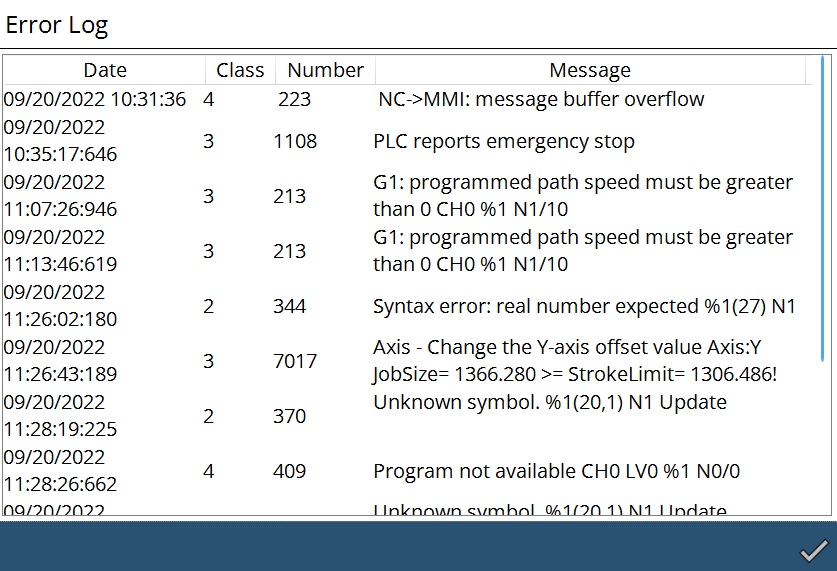
Error log
If error occurs in the communication between the HMI, PLC, and NC, or during programming, these are logged in a file, together with the date and time of their occurrence. The error messages will be displayed using the Error log.
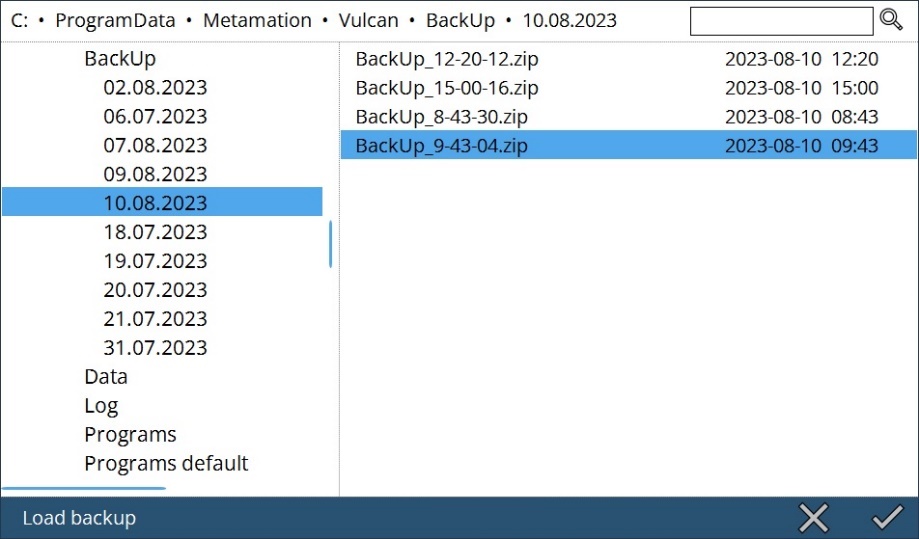
Load backup
User can load the backup of Data, Programs and Log folders in Zip file.
Save backup
User can enable the required options to save backup of Data, Programs and Log folders.
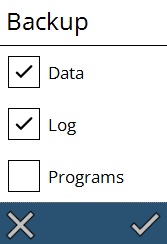
Vulcan will zip the contents accordingly and save it. Also, when there is a crash, the backup will be done automatically.
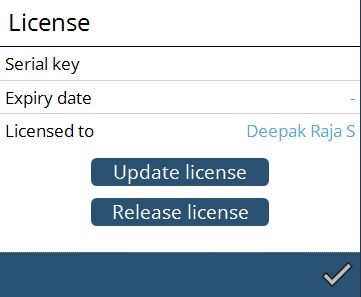
License
User can check the license details.
Oscillator data
By clicking, user can view the data of oscillator application. Here we used nLight application.
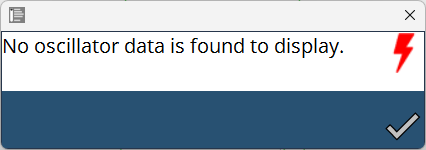
If none of the oscillator application is linked, it will give a message as below,